Photoshop Brushes
Complete Pack
1800+ layer-ready effects. Beautiful Brush Previews. Easy to Use.
$165$27

Brushes Complete Pack
An All-in-One curated asset Library to master the 6 Ingredients of composites. No learning curve.
$165$27 Save 83%
100-Day, Risk-Free Trial

“I can actually SEE the brush BEFORE I use it, no more guessing. This is genius.” - Kelli

360+ Lights Brushes
Lorem ipsum dolor sit amet, consectetur adipiscing elit, sed do eiusmod tempor incididunt ut labore et dolore magna aliqua.

60+ Bokeh Brushes
Lorem ipsum dolor sit amet, consectetur adipiscing elit, sed do eiusmod tempor incididunt ut labore et dolore magna aliqua.

300+ Beauty Brushes
Lorem ipsum dolor sit amet, consectetur adipiscing elit, sed do eiusmod tempor incididunt ut labore et dolore magna aliqua.
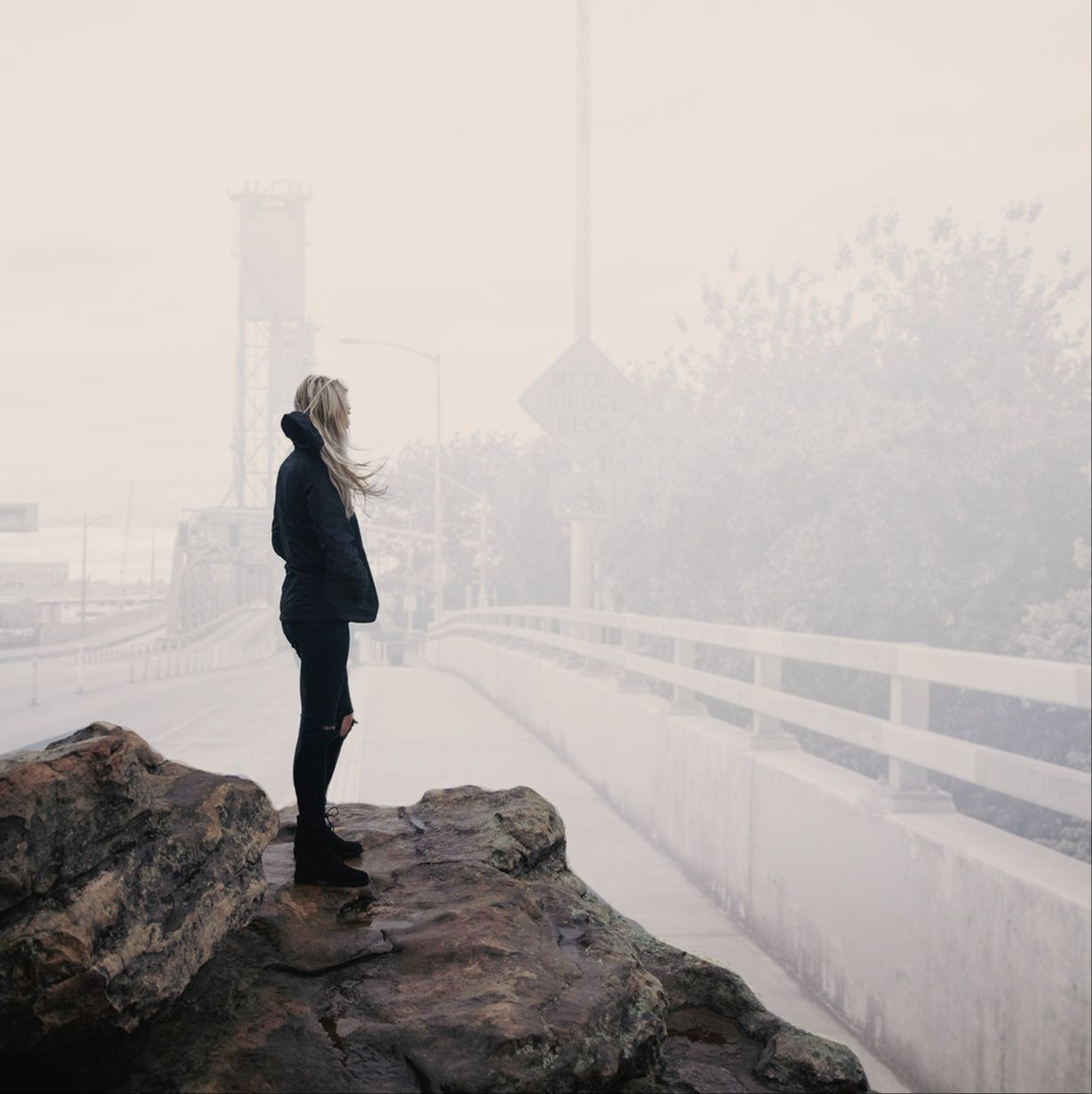
240+ Texture & Backdrop Brushes
Lorem ipsum dolor sit amet, consectetur adipiscing elit, sed do eiusmod tempor incididunt ut labore et dolore magna aliqua.

330+ Atmosphere Brushes
Lorem ipsum dolor sit amet, consectetur adipiscing elit, sed do eiusmod tempor incididunt ut labore et dolore magna aliqua.
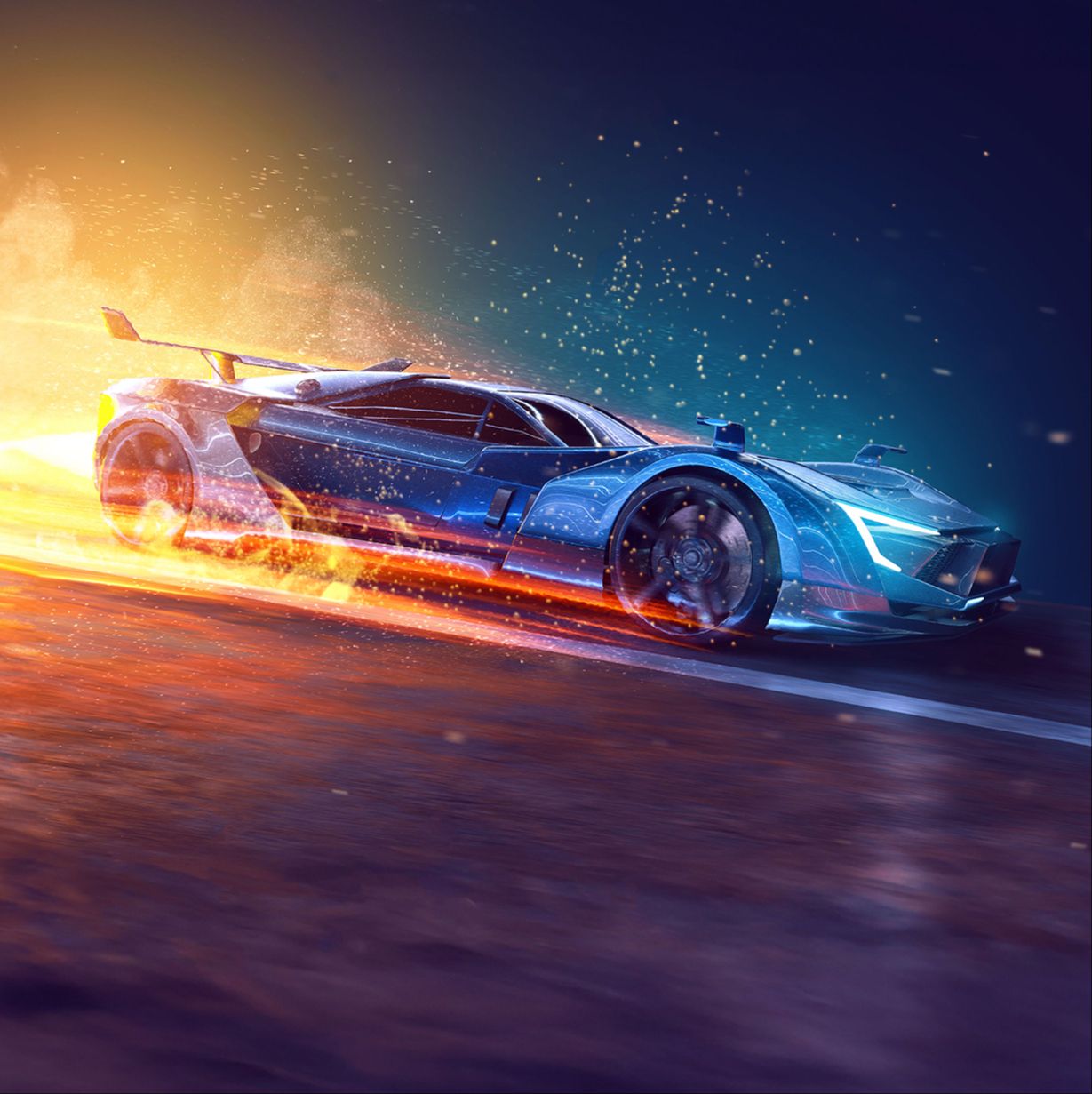
190+ Special Effect Brushes
Lorem ipsum dolor sit amet, consectetur adipiscing elit, sed do eiusmod tempor incididunt ut labore et dolore magna aliqua.

150+ Silhouette Brushes
Lorem ipsum dolor sit amet, consectetur adipiscing elit, sed do eiusmod tempor incididunt ut labore et dolore magna aliqua.

180+ Weather & Clouds Brushes
Lorem ipsum dolor sit amet, consectetur adipiscing elit, sed do eiusmod tempor incididunt ut labore et dolore magna aliqua.
How it Works
These brushes get loaded into your Photoshop Libraries. Not the clunky old Brushes panel with bad previews. This library of brushes comes with beautiful easy to see previews of every single brush. 🙌

FIRST
Load Library
Once you purchase the Brushes Complete Pack, load it into your Photoshop Libraries panel. Have no fear, we'll show you how to do the techie part.

SECOND
Choose a Brush
After the library loads, scroll through the 1,800+ easy to see brush previews to find the perfect one for your project.
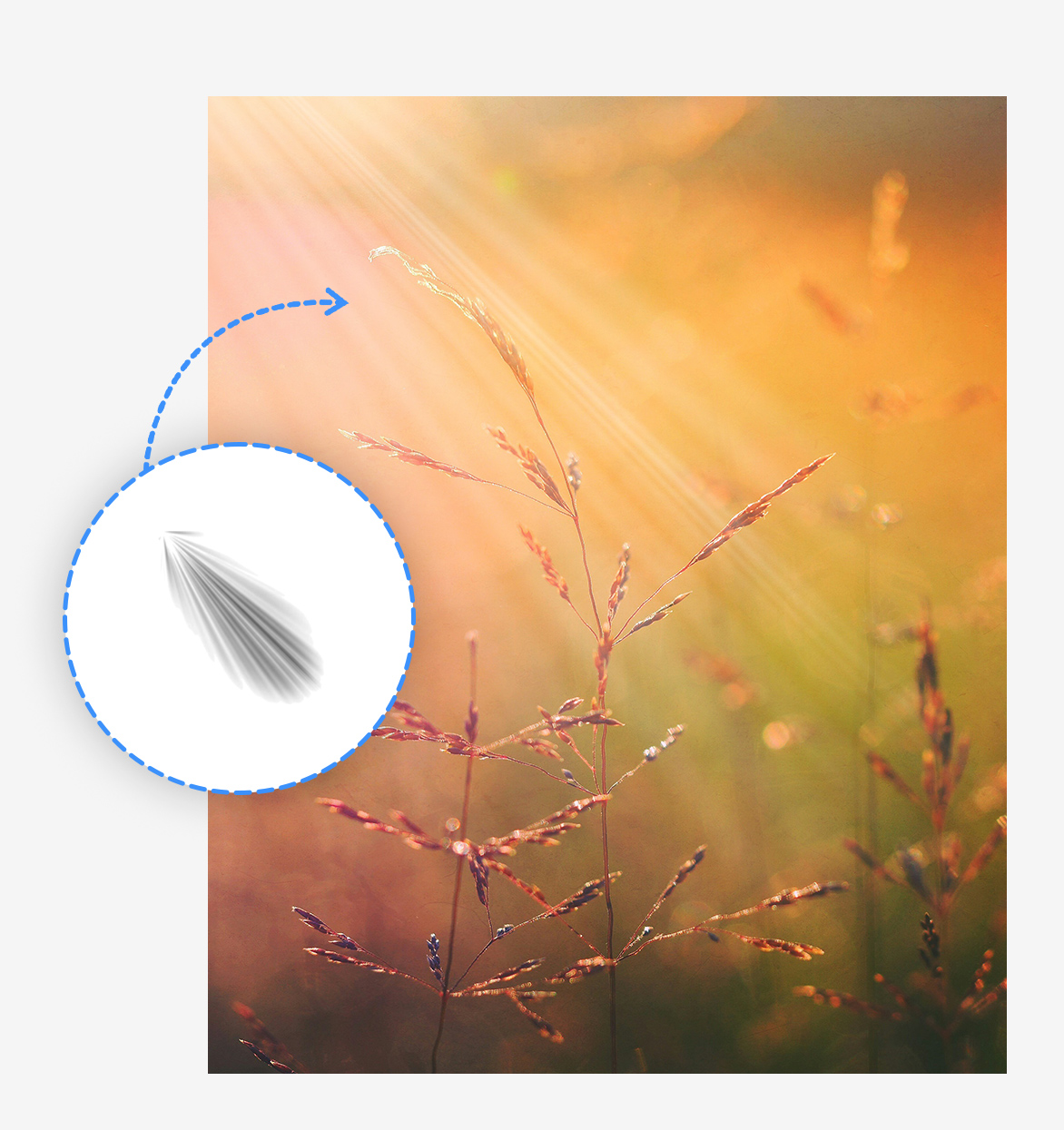
THIRD
Select & Apply
After you select the perfect brush, just click to apply it onto your image! Switch to your desired blending mode and wah lah! It really is that easy. Brushes Complete Pack for the WIN! 🏆
Master the 6 Ingredients of Composites
Introducing the Photoshop Composite Workstation
Creating composites in Photoshop was meant to be fun and creative. After installing this massive library directly into Photoshop, you’ll have tons of layer-ready effects that you can simply drag-and-drop into your composite.
The days of spending hours trying to add depth, perspective light, grit and style to your images are gone. Do it in seconds with the Photoshop Composite Workstation™.
The Art of Creating a Subject for your Composite
The first part of the workstation shows you how to create and manipulate your subject to best fit your composite.
Whether you are shooting your own subject or using a stock photo, you’ll master the art of integrating your subject into a scene of your making. The key to a great composite is knowing how to position, light and blend your subject into the world you’ve created.
The Masking Techniques You Have Never Heard Of
The second skill you'll master is lossless masks and extractions so your subject is in your composite seamlessly.
There is an incredibly effective way to extract a subject without losing any detail, even with hair, fur or semi-transparent clothing. Mastering extractions opens the door to blending any subject or object into your composites.
Hundreds of Backgrounds at your Fingertips
The third part of the workstation is probably the most fun: tons of high-resolution backgrounds layer-ready for composites. This massive library of backgrounds was specifically shot for compositing.
Imagine having a huge selection of backgrounds shot all over the world that are ready to be dropped into your composite every time you open Photoshop.
Master Color & Blending with Innovative Tools
The fourth part brings all the elements of your composite together using color and grading.
The Photoshop Composite Workstation™ includes tools and training to radically transform the color and mood of your images like never before. This is the make or break of a seamless composite.
Hundreds of Light Effects at Your Fingertips
Let there be lights! Next, you’ll get a huge library of lights – dramatic, soft, smokey, perspective lights to really help make your composite dramatic.
Pick from hundreds of lighting scenarios that completely transform your composite in seconds. A flat, dull image can come alive in a heartbeat with some dramatic light.
Bring Magical Effects into Your Art with Ease
The final part of the workstation has a ton of layer-ready effects like fire, smoke, haze, embers, dust and so much more!
You’ve got your subject looking great, brought into a world you’ve always only imagined and now your final spell is bringing it to life with atmospheric effects.
Create amazing art with Photoshop.


Brushes Complete Pack
An All-in-One curated asset Library to master the 6 Ingredients of composites. No learning curve.
$165$27 Save 83%
100-Day, Risk-Free Trial
